About Documentation
About Documentation
This Privacy Policy describes Our policies and procedures on the collection, use and disclosure of Your information when You use the Service and tells You about Your privacy rights and how the law protects You
We use Your Personal data to provide and improve the Service. By using the Service, You agree to the collection and use of information in accordance with this Privacy Policy.
We use Your Personal data to provide and improve the Service. By using the Service, You agree to the collection and use of information in accordance with this Privacy Policy.
1.1 crowdvoley provide its services exclusively on the basis of the following General Terms and Conditions (GTC). They shall apply to all legal relationships between the Agency and the Customer, even if they are not expressly referred to. The GTC shall apply to all legal transactions done by the clients.
1.3 Terms and conditions of the Customer, if any, shall not be accepted, even if the Agency knows them unless expressly agreed otherwise in writing on a case-by-case basis. The Agency expressly objects to GTC of the Customer. No other objection of the Agency to the Customer’s GTC shall be required.
Crowdvolley Themes
$99
Learning Skills Theme is a structured course or learning experience delivered electronically.
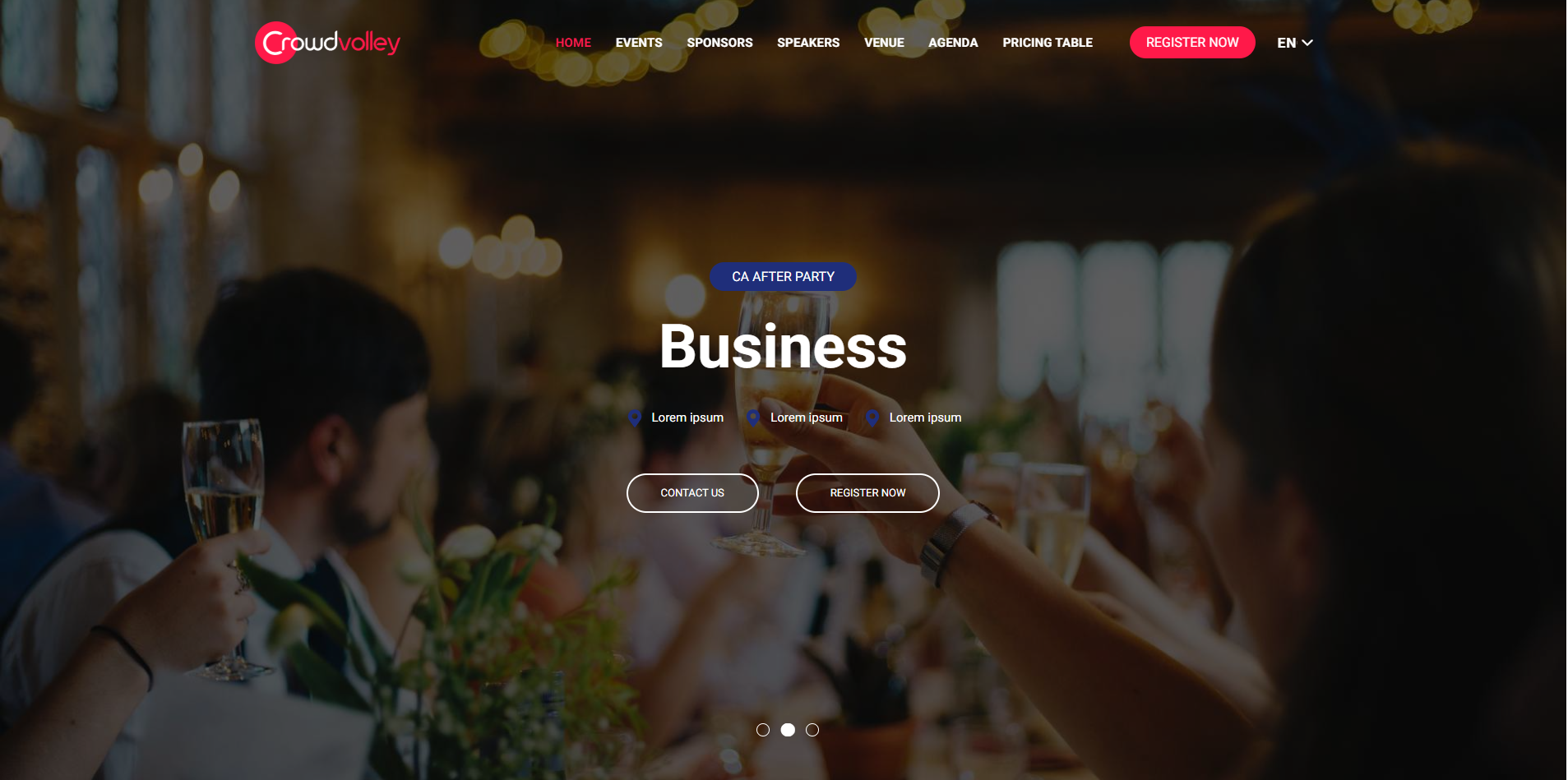
$99
Theme is the big idea behind the entire shindig. It often involves the overall tone, structure, and goals of the event.
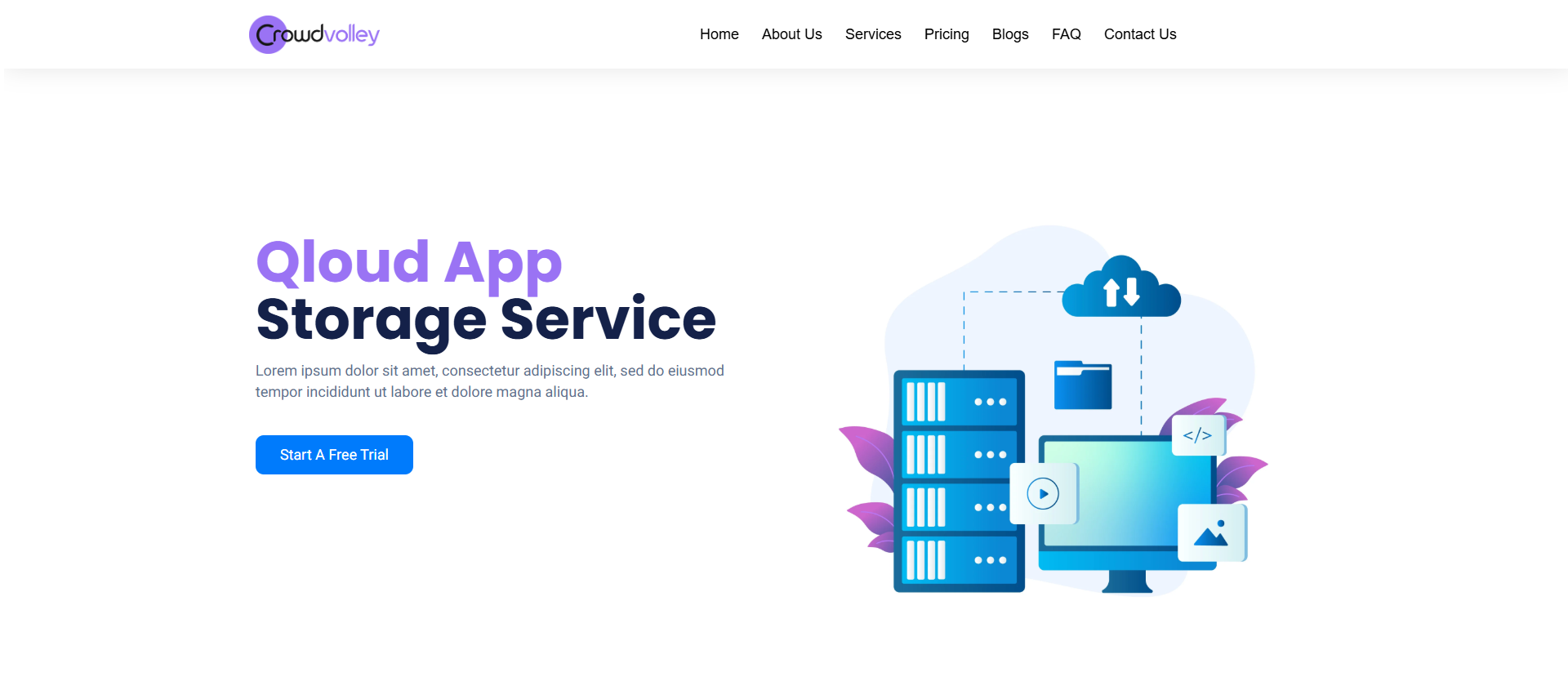
$99
Cloud computing is on-demand access, via the internet, to computing resources—applications, servers.
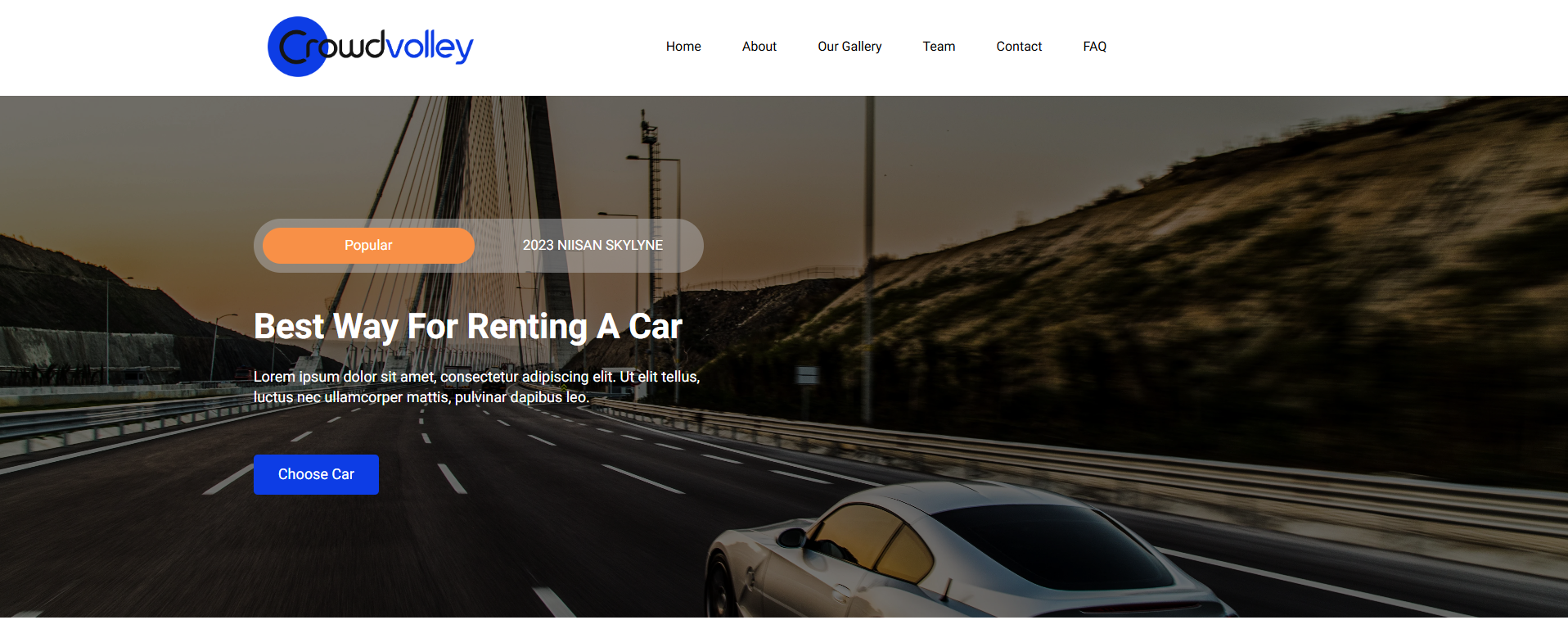
$99
A car rental, hire car or car hire agency is a company that rents automobiles for short periods of time to the public
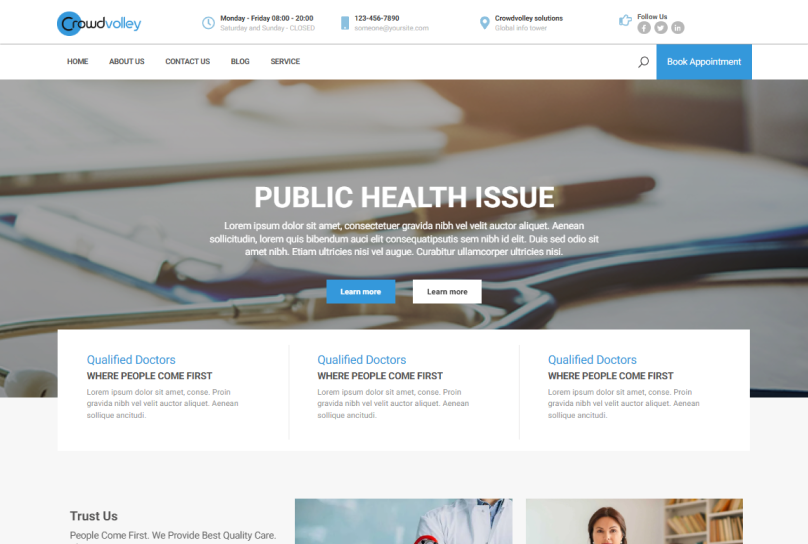
$99
Medical theme encompasses a broad range of topics related to healthcare, medicine, and the human body.
$99

Crowdvolley Modules
FlipKart
FlipKart :- It is flipkart module. A flipkart module features two sides: the front face displays
image, while the back face reveals additional information or interactive
elements when the card is flipped.
Unique Blog Filter
Unique Blog Filter has multiple features and Two variation in this module. Unique Blog Filter features like a Search filter, Sorting Etc.
Pin Scroll
Pin Scroll:- It is “pin scroll module” In this module, you can change anything.
Latest Notification
Latest Notification :- It is “Latest notification module” In this module, you can change anything.
Listing Panel
Listing panel :- It is “Listing panel module” In this module, you can change anything in this module using text section.
Choose services
Choose Services :- It is “Choose Services” In this model, you can change anything in this module using text section and image.
there are two types of slides: It has left circle and image & right text in this module.
Customer Services
Customer Services :– It is “Customer Services” In this model, you can change anything in this module using text section and image.
there are two types of slides: It has left text & right image in this module.
Countdown Banner
In this module, you can change anything like an image, text, or its background image or text color.
Chart Table
Pricing Plans
Pricing Plans :- In this module, you can change anything like an image, text, or its background color or text color.
Carousel With Video popup
Carousel With Video popup :- There are various options available i.e.
slider with left side content section, right side image with name and designation option are available and include with video popup option,
and slider background image option are also include and background color customized easily. Options like either arrows, dots or both are available which can be selected according to the needs.
Product Feature
Product Feature :- It is “Product Feature” there are many various option available i.e. You can left & right heading section
You can customized anything in this module.
Gallery Box
Gallery box:- It is a gallery box module. there are two various available i.e. first heading with simple gallery images.
second heading with hover images with text.
Assets Listing
Hero with card :- It is “Assets Listing” there are many various available i.e. “left text right card” section
and “Left card right text” section.
About Columns
About Columns :- It is a about columns module. There are various options available i.e. first four column section.
top icon, content and button section. second three column section. top icon, content and button section.
About pro
Image text with pop video :- It is Image text with pop video. there are two various available i.e. “left text right image” section
and “Left image right text” section. You can edit anything in this module.
Multiplex section
Reviews section
Top clients logo :– It is Our service module. there are two various available i.e. “left text right text” section
and “Left image right text” section. You can edit anything in this module.
Benefit Cards
layout-column
Pro Article
Image Swipe and Text Block :- It is a image swipe and text block module. there are various options available i.e. first left side image slide and right side content with button section and heading also include. second left side content with button, right side image slide and heading section is hide. third left side image slide, right side content withoutbutton and include also heading section.
Sponsor Logos
Sponsor logos :- It is a sponsor logos module. There are various options available i.e. sponsor logos
image in box with arrow. second slider image without box and show only slider dots arrow is hide.
third slider logo image with box and arrow, dots both show.
Our member
Our member:– It is a Our member module. It has team and image description text you can edit image & social links It has also header section in this module you can also edit there text and alignment. In this module you can edit like background-color, text-alignment and spacing.
Carousel Images
Carousel Images:– It is a Carousel Images module. It has image and image description text you can edit image & imagedescription text. It has also header section in this module you can also edit there text and alignment. In this module you can edit like background-color, text-alignment and spacing.
Flexible Card
Pro Video Gallery
Pro Video Gallery :- Multi option are available. It is pro video gallery module 1st can be you use top popup video option and bottom title, description and author detail section. 2nd can be use short video design and 3rd only show pop video gallery title, description and author detail is hide.
Progress Bar
Pro Countdown
Pro Countdown :– Countdown are used in sports to signal the beginning of a game or match. The clock counts down the time remaining in each quarter or period. Physical or digital countdown clocks are often used for events like weddings, birthdays, or vacations. These clocks display the time remaining until the specified moment.
Service Plans
Service Plans :– It is Service Plans module. Multi option are available. Most popular offer section included on left. The price should
be prominently displayed, and you may want to include details such as the customer success manager support
CTA buttons included.
Pricing Card
Pricing card :– It is pricing card module. Multi option are available. Best deal offer section included on top. The price should be prominently displayed, and you may want to include details such as the currency symbol .and plan per month, per year. Cta button is include.
Flip Card
Horizontal Flip Cards: Horizontal flip cards typically have two sides, the front and the back. One of the key features of horizontal flip cards is their interactive animation. Users can click or tap on the card to flip it over and reveal the content on the back side.
Case studies
Case Studies :– It is a case studies module. Multi option are available. You can use both sliders simultaneously. It has two sliders first top slider left side image and right side content and cta. and second bottom slider top heading section and bottom author image and author name. If you want use only top slider then select layout option and select “top option”. If you want use only bottom slider then select layout option and select “bottom option”.
Columns Slider
Columns Slider:– Multi options are available for columns. can select upto 4 columns. Columns can be used to show either as plans or products. With each column, cta options are available, can either show one or two or none at all. On second CTA, popup video option has been provided. Image slider options has been given which can be displayed or not. It could be used as products image or plans images, with a description available just beneath the image.