EdTech
HubSpot Theme Specialists
EdTech – Quick Overview
14+ Professionally Crafted Templates
Build exceptional websites with ease using our expertly designed and fully customizable templates.
100% Drag & Drop Builder
Quickly create any website imaginable—no coding required—using an intuitive drag-and-drop interface.
Fully Responsive Design
Websites render flawlessly across all devices—mobile, tablet, and desktop—ensuring a seamless user experience.
Global Theme Settings
Easily manage and customize the entire website through centralized theme settings, ensuring consistency and efficiency.
A Quick Demo
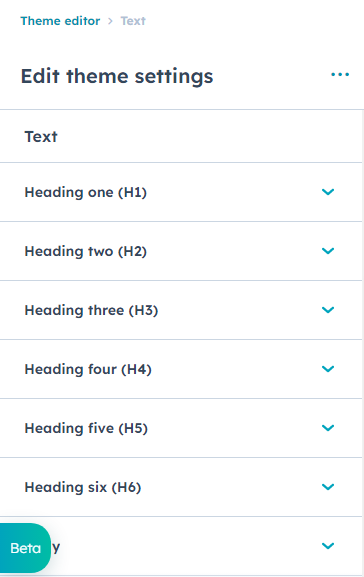
Theme Settings
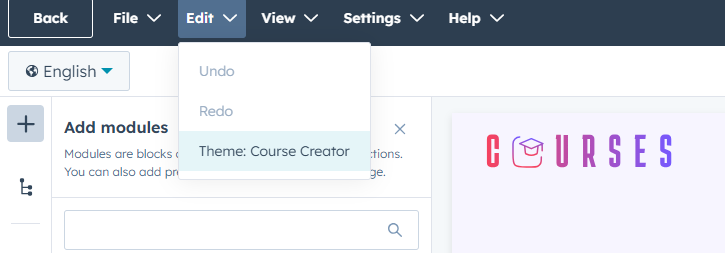
Global settings
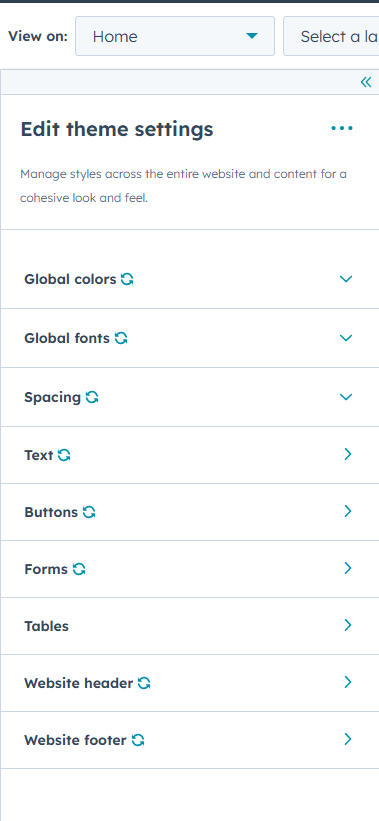
Global color
Some of our Featured Modules.

Hero Banner
A fully customizable hero banner crafted to showcase your core message. Effortlessly update the background color, image, title, description, and call-to-action buttons. You can also choose to display or hide the supporting cards, making it flexible for any layout.

Image & Text

Our Team
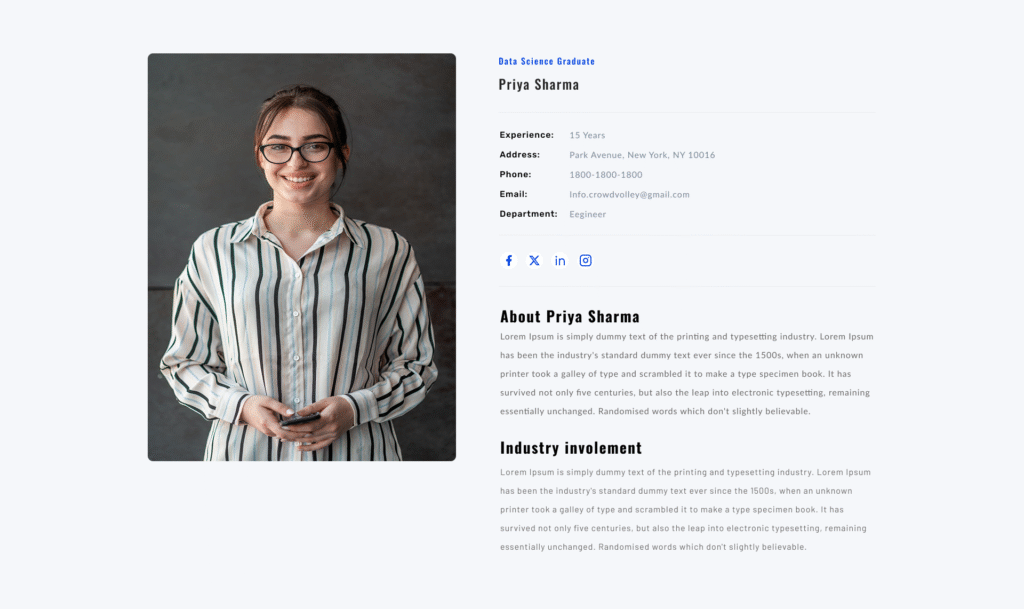
Team Details
A customizable team details section where you can set the section subtitle, heading, and add multiple team member profiles. Each profile includes a photo, name, designation, and key information such as experience, phone, email, and specialization. Clicking on any team member opens a detailed view with complete personal information.
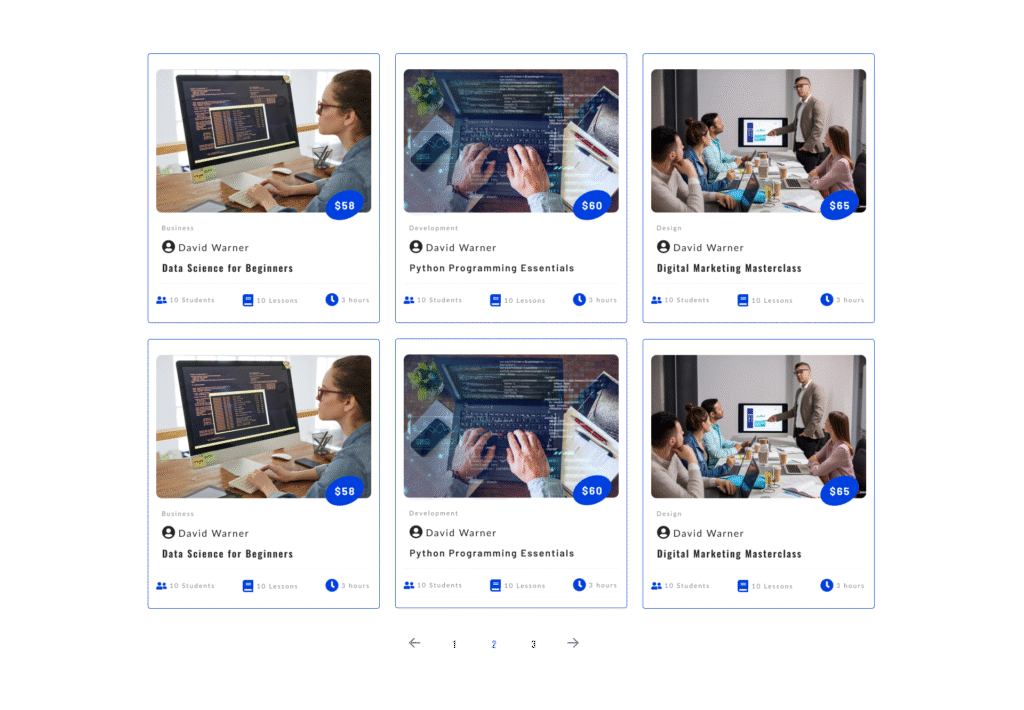
Our Courses
Templates
All included templates are 100% ready-to-use, feel free to create new pages with any of the pre-built templates to experience all the features. All included templates are 100% ready-to-use.
Terms of Use
EdTech Terms of Use The copy of EdTech you have in your portal is fully yours, but there are some terms and conditions that govern what you can and can’t do, visit the following link to read more: Terms & Conditions