This is a Recent Blog module. You can change any content or style settings in this section. You can customize spacing, text colors,
button styles, background colors, and other design elements based on your preferences. Multiple customization
options are available in this module to control how the blog items are displayed.
You can easily manage the blog layout, content display, and styling from the module settings.
First Layout
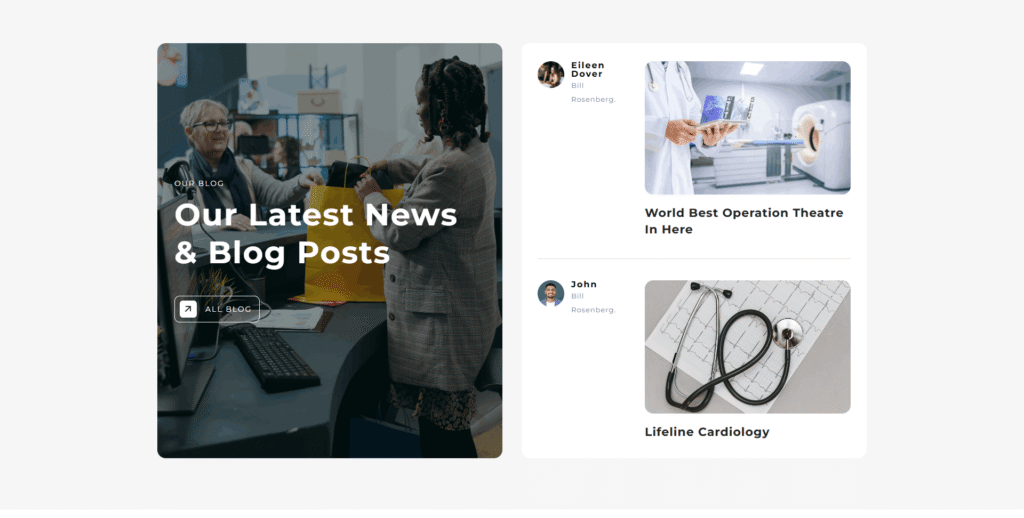
In this layout, a custom content block with image, heading, and CTA appears on the left,
while dynamic recent blog posts are displayed on the right.
Second Layout
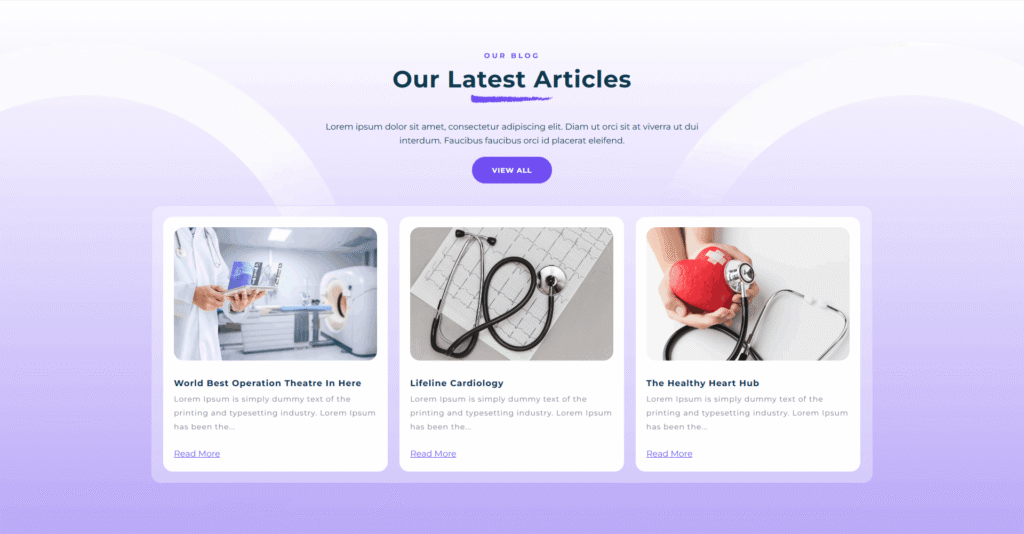
In this layout, the heading and CTA appear at the top, with recent blog posts shown below in a
card grid with images, excerpts, and read-more links.
Third Layout
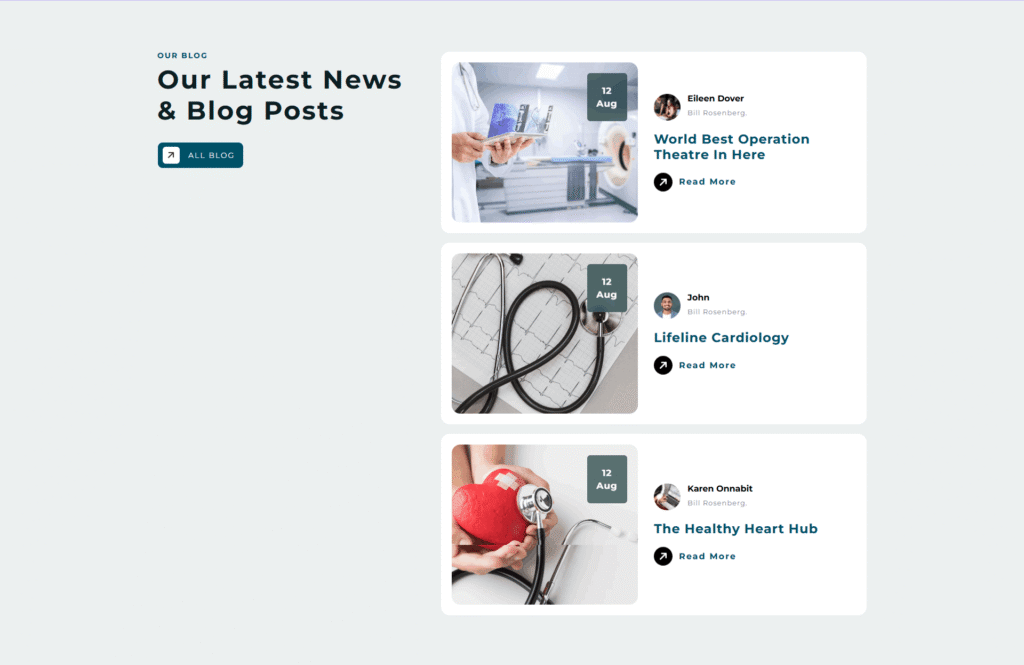
In this layout, the heading and CTA are shown on the left, while recent blog posts appear on the right in a
vertical card list with image, date, author, title, and read-more link.
Easily change module style.
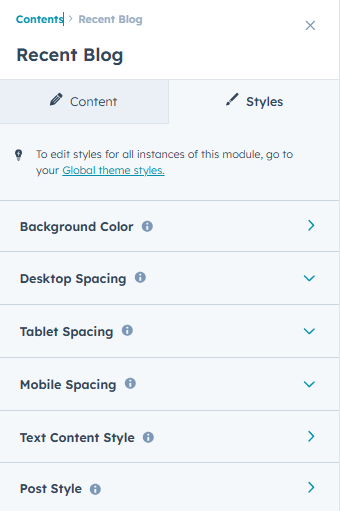
You can change styles in this module. You can customize your own comfortable spacing,
text color, button color, background-color etc in that section.
You can easily change the module content here.
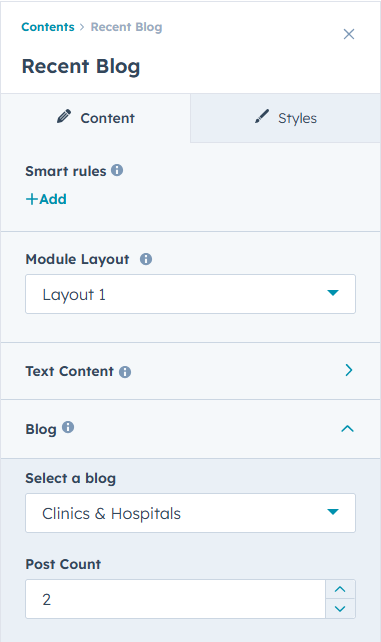
This Recent Blog module allows you to select different layout styles and control how blog posts are displayed.
You can manage the section heading, description, and CTA text, choose the blog source,
and set the number of posts to show. Smart rules are also available to display content based on conditions.
All layout and content settings can be easily managed from the module options.