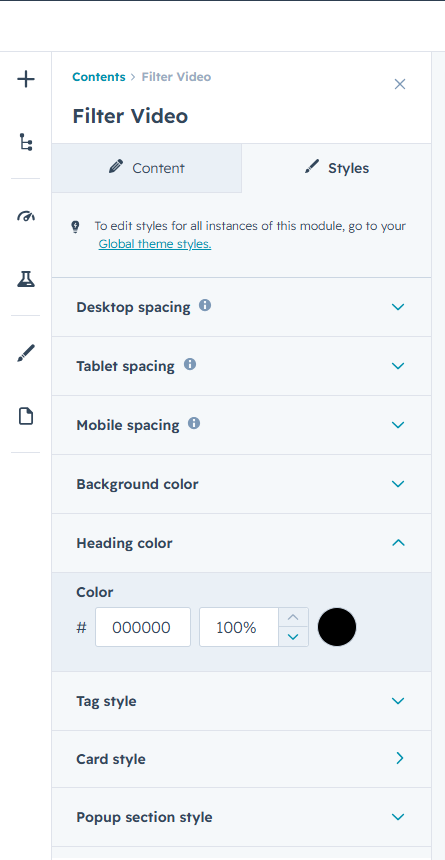
Interactive Video Gallery: Interactive Video Gallery is a versatile HubSpot module designed to help businesses showcase video content in a
modern, organized, and engaging format. Whether you’re displaying product demos, customer testimonials, webinars, tutorials, training resources, or marketing campaigns,
this module provides an intuitive browsing experience that makes video content easy to discover and consume.
The module includes dynamic category-based filtering, allowing visitors to instantly sort and view videos relevant to their interests. Customizable filter tabs
with optional icons create a seamless navigation experience while keeping large video libraries organized and accessible.
Videos are presented in visually appealing cards featuring custom thumbnails, category tags, titles, and descriptions. Smooth hover animations enhance engagement
by revealing additional content without cluttering the interface. Multiple layout variations provide flexibility to match different website designs and content strategies.
Interactive Video Gallery supports both YouTube videos and HubSpot-hosted videos, giving content creators the freedom to manage video assets from multiple sources.
When a visitor selects a video, it opens in a responsive popup modal, enabling distraction-free viewing without leaving the page.
The module offers extensive styling controls, allowing users to customize colors, typography, spacing, backgrounds, overlays, filter buttons, popup elements, and
card designs directly from the HubSpot editor. This ensures a consistent brand experience across every page.
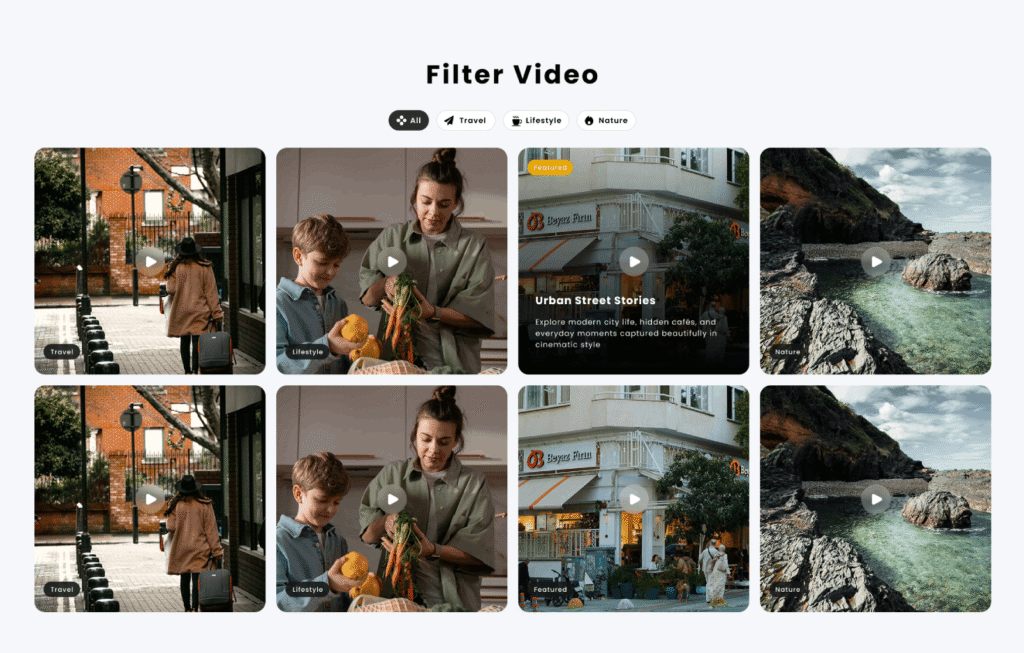
First Layout
Classic Video Showcase
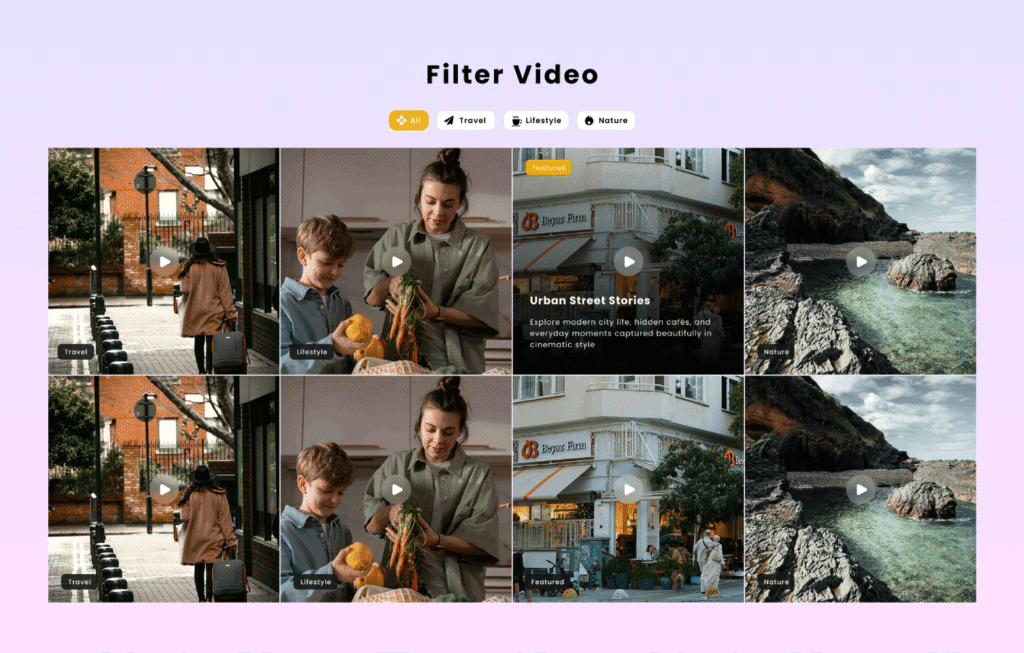
Second Layout
Minimal Edge Gallery
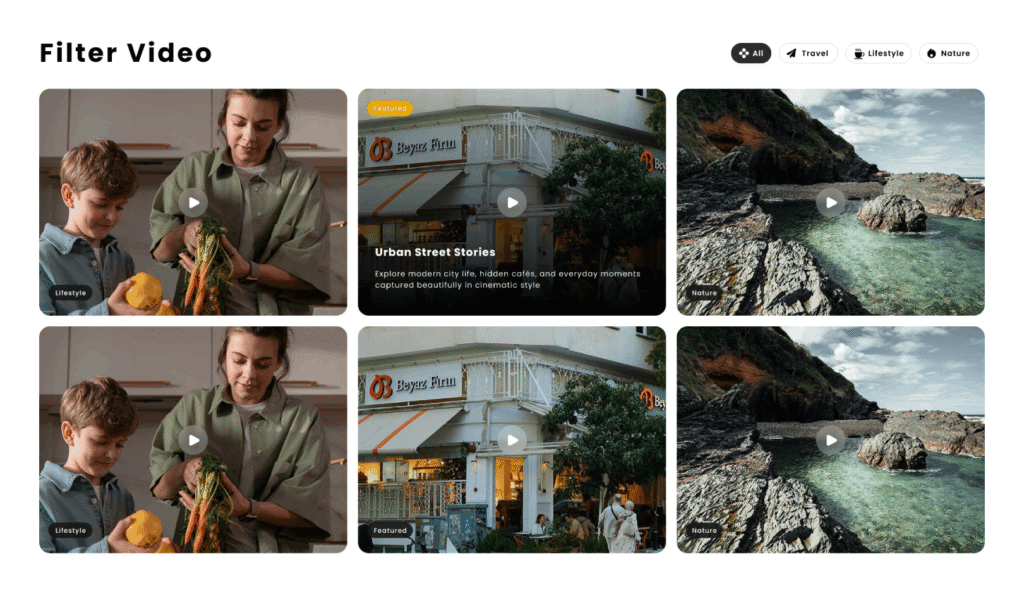
Third Layout
Split-View Video Hub
Customize the overall video gallery experience with flexible controls for backgrounds, gradients, spacing, typography, and section styling. Create a visually engaging layout
that adapts seamlessly across desktop, tablet, and mobile devices.
Style filter tabs with custom colors, borders, icons, backgrounds, and hover states to create intuitive navigation and maintain brand consistency throughout the module.
Adjust headings, tags, and supporting elements to align perfectly with your design system.
Personalize video cards with customizable thumbnails, overlays, tag styles, play buttons, content areas, and text colors. Fine-tune card layouts,
border radius, spacing, and animations to create a polished and professional presentation.
Enhance user engagement with smooth hover interactions, animated content reveals, responsive video popups, and customizable modal styling.
Create an immersive viewing experience that encourages exploration while keeping visitors focused on your content.