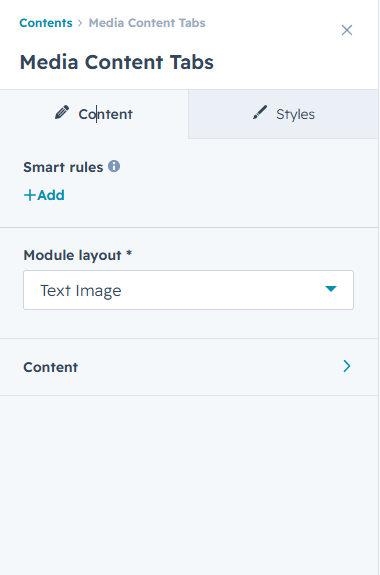
This is a Media Content Tabs module. You can modify any content or style settings within this section. Customize media
elements, text content, spacing, text colors, button styles, background colors, tab layouts, and other design elements
based on your preferences. Multiple customization options are available in this module to control how media,
content, CTA buttons, lists, and tabbed sections are displayed and organized for a
flexible and engaging user experience.
You can easily manage the blog layout, content display, and styling from the module settings.
First Layout
In this layout, a custom content block with image, heading, and CTA appears on the left,
while dynamic image are displayed on the right.
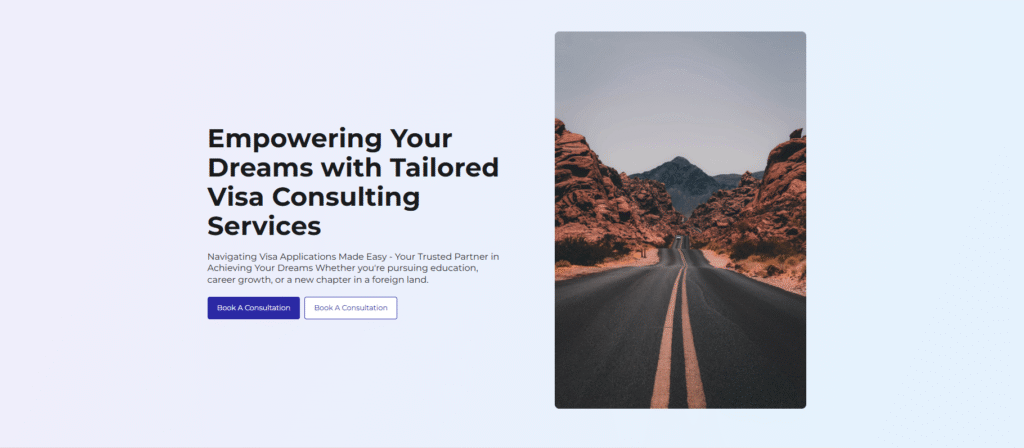
Second Layout
In this layout, the heading and CTA appear at the right, with dynmic Image shown on the right side.
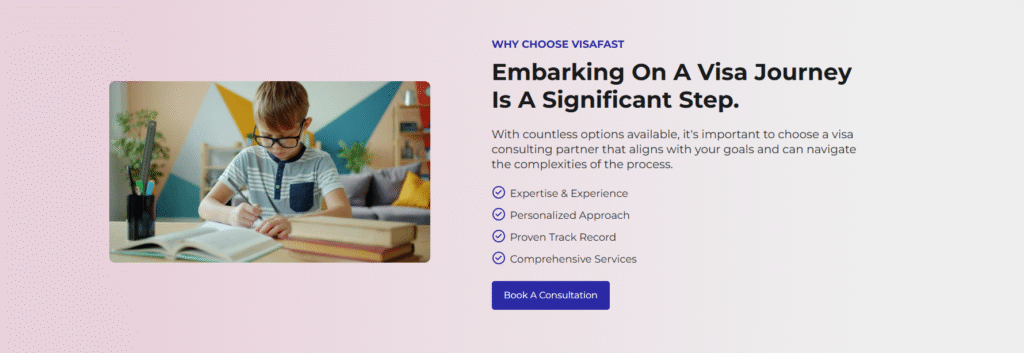
Third Layout
IIn this layout, the image is displayed on the left side, while the tabbed content section appears on the right. Each tab contains its own content, and
when a user clicks on a specific tab, the left-side image dynamically changes to display the corresponding image
related to that selected tab. This module allows you to customize tab titles, content, images, spacing, colors, CTA buttons, and
other design elements to create an interactive and engaging media-content experience.
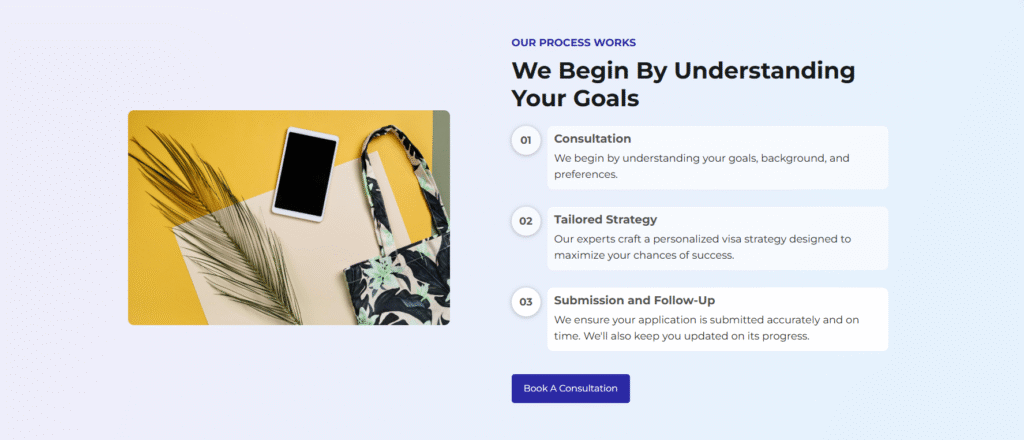
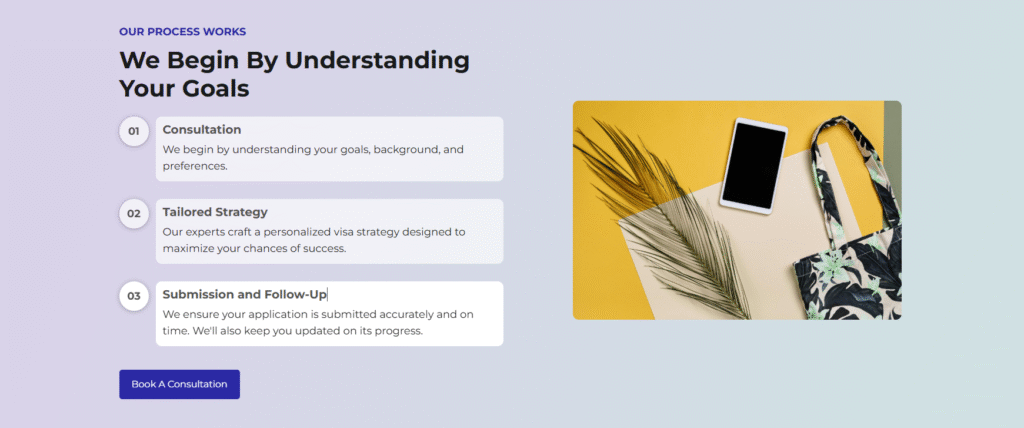
Fourth Layout
In this layout, the tabbed content section is displayed on the left side, while the image appears on the right side. Each tab contains its own unique content,
and when a user clicks on a specific tab, the right-side image dynamically changes to display the corresponding image
related to that selected tab. This module allows you to customize tab titles, content, images, spacing, colors, CTA buttons,
and other design elements to create an interactive and engaging media-content experience.
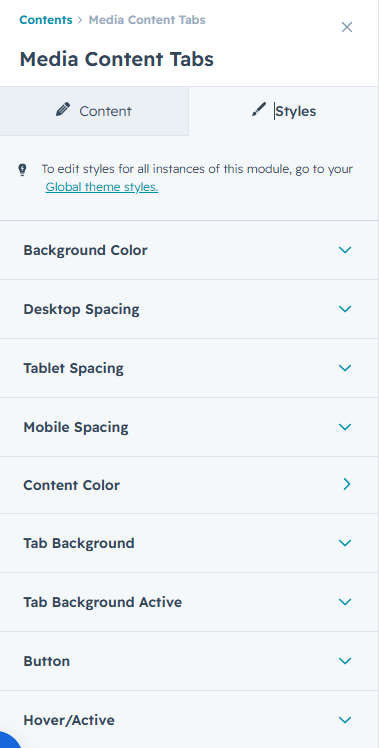
Easily change module style.
You can change styles in this module. You can customize your own comfortable spacing,
text color, button color, background-color etc in that section.
You can easily change the module content here.
This Image and Tabbed Section module allows you to create interactive content layouts with customizable image and tab elements.
You can manage tab titles, content, images, CTA text, and display settings based on your requirements. Each tab can have its own
unique content and corresponding image, which dynamically updates when a user selects a different tab. Multiple layout and styling
options are available to customize spacing, colors, button styles, backgrounds, and other design elements.
All content and design settings can be easily managed from the module options.